Use Seedance 2.5, Veo 3.1 & ChatGPT to Make UGC Ads That Sell on Meta and Google (2026 Workflow)
I wrote the first version of this post in mid 2025 and most of it aged badly. Then I updated it in early 2026 and that version aged too, just faster. The models moved again, and more importantly, the way we run the work changed after a few months of doing it for real.
This is the current version. I run paid social and ops for a DTC brand, and what follows is the pipeline we use to make ad creative without filming anything. Not a tool roundup. The actual process, including the part that took us the longest to learn.
Why UGC still works in paid ads
Nothing here changed. UGC feels native in the feed, carries social proof, and outperforms polished studio creative on mobile placements. What changed is that you no longer need creators to make it, at least not for the testing phase. The bottleneck used to be waiting on creator submissions. Now the bottleneck is how disciplined your production process is, and most people skip that part.
The 2026 model landscape, quickly
You don’t need one model. You need to know which one to reach for per job.
Seedream 4.5 (ByteDance) is what we use for stills. Every shot in a video starts as a still here. It keeps a product looking like the product across dozens of frames when you feed it reference images, and it takes direction on lighting and camera well enough that you can lock a look before spending anything on video.
Seedance 2.5 (ByteDance) is the video workhorse. Reference images in, so your product stays your product across clips. Multi-shot continuity, so a character in shot three looks like the character in shot one. Synchronized dialogue and ambient sound in the same pass. It’s also one of the cheaper serious models per clip, which is what makes creative testing at volume possible. Numbers below.
Veo 3.1 (Google) is the realism pick. When a clip needs to feel indistinguishable from a phone recording, this is the one. Native speech, strong prompt adherence, and its reference-image feature locks character and product identity. Fast is roughly the price of Seedance at 720p; Standard is almost double. Worth it for hero clips, not for the twentieth hook variant.
Kling (Kuaishou) is the volume and language play. Lip sync in five languages. We run Spanish creative alongside English, and multilingual lip sync that actually holds matters more to us than any benchmark score.
Wan (Alibaba) is the open source option if you want to self-host and drive cost to near zero at scale. More setup, more control.
And if you’re wondering about Sora: it’s dead. OpenAI shut the app down in April 2026 and the API goes dark on September 24, 2026. Don’t build anything on it.
What it actually costs
Rates checked September 2026. All of these move, so treat them as the shape of the market, not a quote.
| Model | Route | Per second | 10-second clip | 30-second clip |
|---|---|---|---|---|
| Seedance 2.5 | BytePlus ModelArk, 480p | ~$0.10 | ~$1 | ~$3 |
| Seedance 2.5 | BytePlus ModelArk, 720p | ~$0.23 | ~$2.30 | ~$7 |
| Veo 3.1 Fast | Google API | $0.15 | $1.50 | $4.50 |
| Veo 3.1 Standard | Google API | $0.40 | $4.00 | $12.00 |
| Kling 3.0 Pro | various API providers | ~$0.10 to $0.14 | ~$1 to $1.40 | ~$3 to $4.20 |
The 30-second column is there because that’s what we actually make. From our own ModelArk bills, a 30-second Seedance clip at 480p lands at roughly $3 direct, which matches the published rate. Draft at 480p, it’s plenty to judge motion and timing, and only re-render the locked cut at 720p.
A few things the headline rates hide.
Seedance 2.5 is pricier than 2.0 was. If you saw the “$47 for a hundred clips” number floating around, that was 2.0. On 2.5 a hundred 10-second clips at 720p is closer to $230 direct, and more through a platform. A full 30-second spot, drafted at 480p and re-rendered once at 720p, is about $10 of generation before regenerations. Still cheap next to a creator brief. Not free.
Reference-video jobs bill differently. When you feed Seedance a video reference, most providers count input duration plus output duration. A cheap-looking per-second rate can cost more per finished clip than the no-reference rate. Image references don’t have this problem, which is one more argument for stills-first.
Platforms add a markup. Higgsfield and similar charge more per generation than the model provider does. You are paying for the interface, versioning, and access. For exploration that’s worth it. For volume it’s the reason to go direct where you can.
Budget for failed generations. You pay for the clip whether or not it’s usable. Early on, plan for two to three generations per usable clip. With stills-first and a good production bible that drops toward one.
Where to run them
We use two routes and they do different jobs.
A platform, Higgsfield in our case. One place to manage reference images, shots, versions, and several models side by side. This is where exploration happens: trying a concept, locking shots, reviewing with the team. The convenience is worth the markup while you are still deciding what the ad is.
Direct to the model provider. Seedance runs directly on BytePlus ModelArk on pay-by-credits billing. Cheaper per generation, no interface, no version management. This is where volume happens once the look is settled and we just need forty variants of an approved frame.
If you’re a US brand, check availability before you plan around the direct route. BytePlus ModelArk is not available to US accounts at the time of writing. We learnt that the hard way. If that’s you, the platform route is the honest path: you pay a markup per generation, but you get Seedance without an account you can’t open. For most brands the volume you’d save on doesn’t justify the hassle anyway.
Start on a platform. Move volume to the direct API only if it’s actually available to you and you know exactly what you’re asking for.
The process change: stills first, then animate
This is the section that didn’t exist in the old post, and it’s the one that matters most.
Early on we prompted straight to video. Write a prompt, generate a 10-second clip, look at it, adjust, regenerate. It felt fast. It was expensive and slow, because every wrong detail cost a full clip to find out about, and a video with one wrong detail is unusable. Wrong product colour, wrong hand position, a room that doesn’t match the previous shot. Regenerate. Again.
Now the pipeline runs in phases.
Phase 1: stills. Every shot in the ad is generated as a still image first, in Seedream. For a 30-second spot that’s somewhere between ten and twenty frames. Each still is checked against the shot list: right product, right character, right location, right framing. Wrong ones go into a remediation batch and get regenerated with corrected prompts or better references. This loop is cheap. You can run it many times.
Phase 2: lock. When every still is approved, the shot list is locked. Nobody changes the concept after this point, because everything downstream depends on these frames.
Phase 3: animate. Only the locked stills go to Seedance. The still is the reference image, the prompt describes motion and dialogue, and the model animates from a frame that has already been approved. Most clips come out right first time now, because the hard decisions were made in Phase 1 for cents.
Phase 4: handover. Clips, the shot list, and a production document go to the editor for assembly, overlays, and sound mix.
The one thing to take from this post: video is the expensive step, so make every decision before you reach it. A bad still costs cents to fix. A bad clip costs the whole clip, and you usually can’t fix it, you regenerate it.
The production bible
Multi-shot continuity only works if the model sees the same references every time. So before Phase 1, we write a production document, in JSON because it gets fed into prompts programmatically, that defines:
- Every character: appearance, wardrobe, age, the reference images to use
- The product: which reference images, how it should be held, what must never change
- Every location: description, lighting, time of day
- Every shot: which character, which location, framing, camera movement, the exact line of dialogue if any
Every prompt for every still and clip pulls from this one document. That’s what makes shot eleven match shot one. Without it you are reprompting from memory and drifting a little each time.
This sounds like overhead for “just some UGC clips.” For a single 10-second test hook, it is. For anything with more than three shots, or anything you’ll want to make variants of later, it pays for itself on the first regeneration you don’t have to do.
1. UGC copy prompts
Copy still comes first, because the video models take direction from the script. These prompts work in ChatGPT, Claude, or whatever you use.
A. Testimonial-style caption
“Write a casual customer review of [PRODUCT] from a 28-year-old woman who bought it to solve [PROBLEM]. She was skeptical at first but now loves it. Make it sound like a real Facebook comment.”
Use for Meta primary text, Google Ads descriptions, overlay text. But read the warning section below before you run testimonial-style creative.
B. Unboxing first impressions
“Generate a natural, first-use reaction to [PRODUCT], with comments about packaging, smell, feel, or results. Make it feel unscripted.”
C. Problem-solution in 60 words
“Write a short UGC-style Facebook ad caption about how [PRODUCT] helped solve [PAIN POINT]. Include hook, struggle, solution, and result in under 60 words.”
D. Carousel voice variety
“Write 5 short UGC-style blurbs (1 to 2 sentences) from different types of users of [PRODUCT], each with a different personality: skeptic, enthusiast, quiet observer, and so on.”
2. UGC-style images
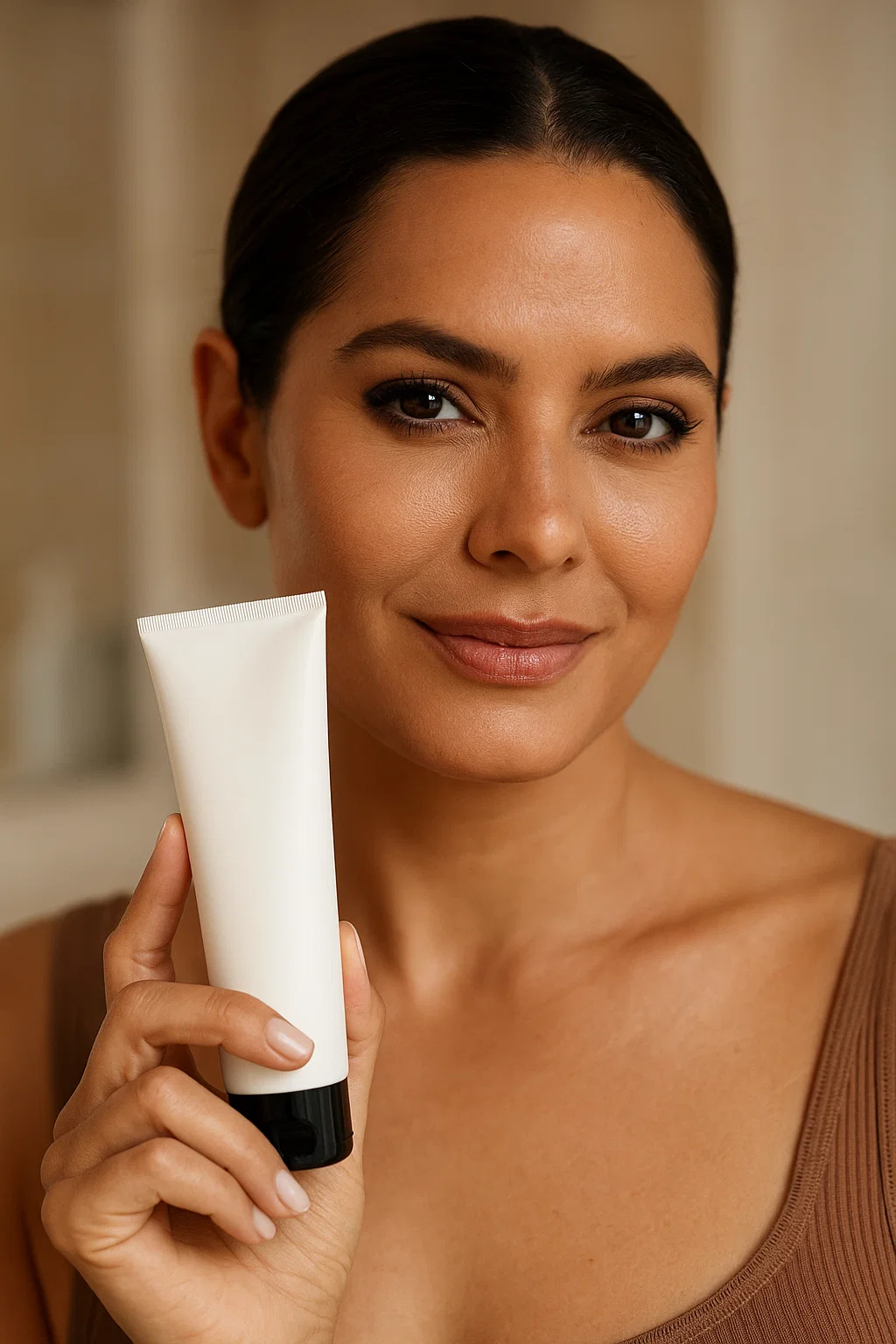
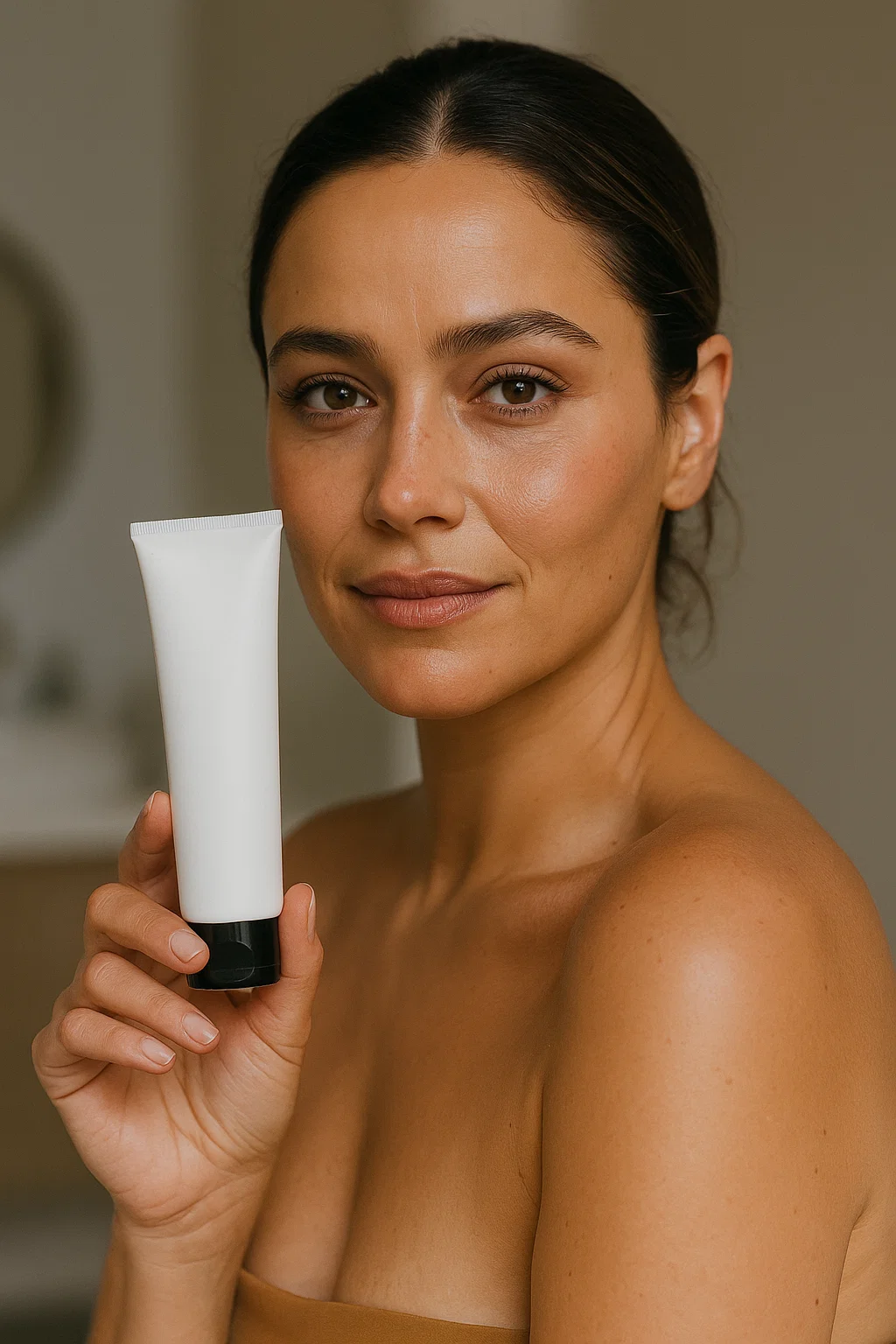
Image work runs through Seedream 4.5 for us. Nano Banana Pro and GPT Image both work too; Seedream won on product consistency across variants, which is the whole game for ad images, and it’s the same family as the video model, so stills carry cleanly into Phase 3.
The reverse-prompting workflow survived every model swap intact:
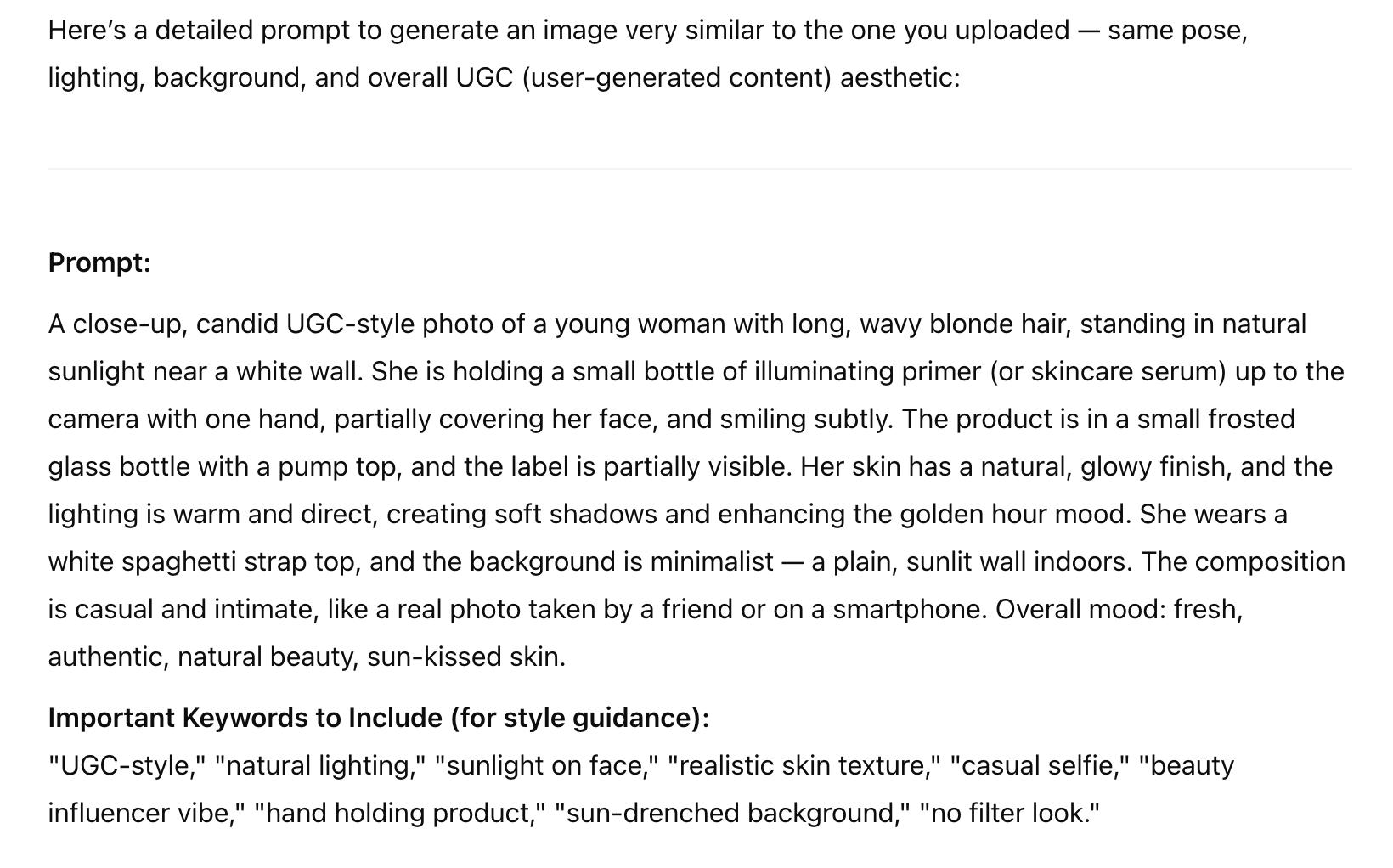
- Upload a UGC photo that already performed well for you into ChatGPT or Gemini.
- Ask:
“Give me a detailed prompt to generate an image similar to this. Same pose, lighting, background, and mood. I want it to look like UGC.”
- You’ll get something like:
“Generate an image of a young woman smiling in her bathroom, holding a dropper bottle of serum. Handheld angle, soft morning light, natural skin texture, no makeup, casual loungewear.”
- Run that prompt with your actual product image attached as a reference so the model doesn’t invent a fake bottle.
- Generate variants: different people, AM vs PM lighting, slight pose changes, different product formats.
That gives you an image bank for carousel and static testing. It also gives you Phase 1 stills for free, because a still that works as a static ad is usually a still worth animating.
3. Full UGC-style videos with Seedance 2.5 and Veo 3.1
The old workflow was: generate silent video, record or synthesize a voiceover, sync it in an editor. The current models generate the person, the dialogue, and the ambient sound in one pass. And with stills-first, the prompt at this stage is mostly about motion, because the frame is already decided.
My default: Seedance 2.5 for anything with a product in hand or more than one shot, Veo 3.1 when a single clip needs maximum “someone filmed this on their phone” realism.
Step by step
- Write the video prompt in ChatGPT or Claude, from the approved still:
“This image is the first frame. Write a prompt for an AI video model to animate it into a 10-second UGC-style clip for [PRODUCT]. Keep the person, product, location and lighting exactly as shown. Describe only the motion, the camera behaviour, and the exact line of dialogue they speak.”
Example output:
“She lifts the bottle slightly toward the camera, dabs serum on her cheek with two fingers, and speaks casually: ‘Okay wait, this actually feels amazing.’ Handheld phone camera with slight natural movement, no cuts, natural room audio.”
- Run it in Seedance 2.5 with the approved still as the reference image, plus the product reference from the production bible. Without references, every clip shows a slightly different invented product and none of it is usable.
- The dialogue and audio come out already synced. No editor pass needed for the raw clip.
- Use the output as Reels, Stories, YouTube in-feed, or Shorts creative.
- Layer text overlays generated alongside the script:
“Write 3 on-screen text overlays for a UGC video about [PRODUCT] being shockingly effective after just one use.”
For Spanish variants, rerun the same still and the translated dialogue line through Kling. The lip sync holds and the frame stays identical, which means the English and Spanish ads are genuinely the same creative in two languages, not two separate generations that happen to look similar.
4. Assemble the funnel
Same structure as always, just faster to fill:
- Top of funnel: AI UGC video in Reel and Story format, Seedance or Veo output
- Middle of funnel: carousel of UGC-style images, which are your Phase 1 stills
- Bottom of funnel: retargeting statics with text overlays and native-sounding captions
The real unlock isn’t any single clip. It’s that once a look is locked, variants are cheap. Twenty hooks on the same approved frame at Seedance 720p is about $46 of generation. That’s an afternoon of testing for less than one creator brief.
What this looks like when it’s not “UGC”
Worth saying: the same pipeline makes proper scripted ads, not only handheld testimonial-style clips. The spots we’re proudest of are short comedy pieces with locked characters, real locations, and a punchline, eleven shots, one production document, one editor handover. The stills-first process is what made them possible. You cannot keep a deadpan comedy scene consistent across eleven shots by prompting to video and hoping.
If your brand has a voice beyond “person holds product and smiles,” this stack can carry it. The UGC aesthetic is one setting, not the ceiling.
One warning before you scale this
Don’t present AI people as real customers. An AI-generated woman saying “I bought this and it changed my skin” framed as a genuine review is a fake testimonial, and the FTC’s fake reviews rule covers exactly that. It’s also just a bad trade: the first commenter who clocks it as AI torches the ad’s social proof.
What works and stays clean: script the clips as demos, skits, founder-style pitches, or obviously stylized creative. The UGC aesthetic (handheld camera, natural light, casual delivery) is what drives performance, not the false claim that a specific real person bought your product. You get the performance without the liability.
Frequently asked questions
What replaced Sora for AI UGC ads?
Should I generate stills or video first?
Which AI video model is cheapest for testing lots of ad variants?
Do the new models generate audio too?
Do I need a platform like Higgsfield or can I hit the model API directly?
Can I present AI-generated UGC as a real customer testimonial?
Get new posts in your inbox
Occasional notes on Shopify, paid ads, and what I learn. No spam.
Thanks — check your inbox to confirm.

Nikhil Sharma
I'm Nikhil Sharma. I write about Shopify, paid ads, email, and the systems I build for the DTC brands I work with.